

One brain in every AI tool
A chat history stays inside the tool that holds it. Connect those tools to one brain and each of them can search the same pages, read the same sources and add to them. You can capture a note from a terminal agent and ask about it later in ChatGPT.
See it in each tool
These example sessions come from livingbrain.com.
Claude
ChatGPT
Cursor
Gemini CLI
Hermes Agent
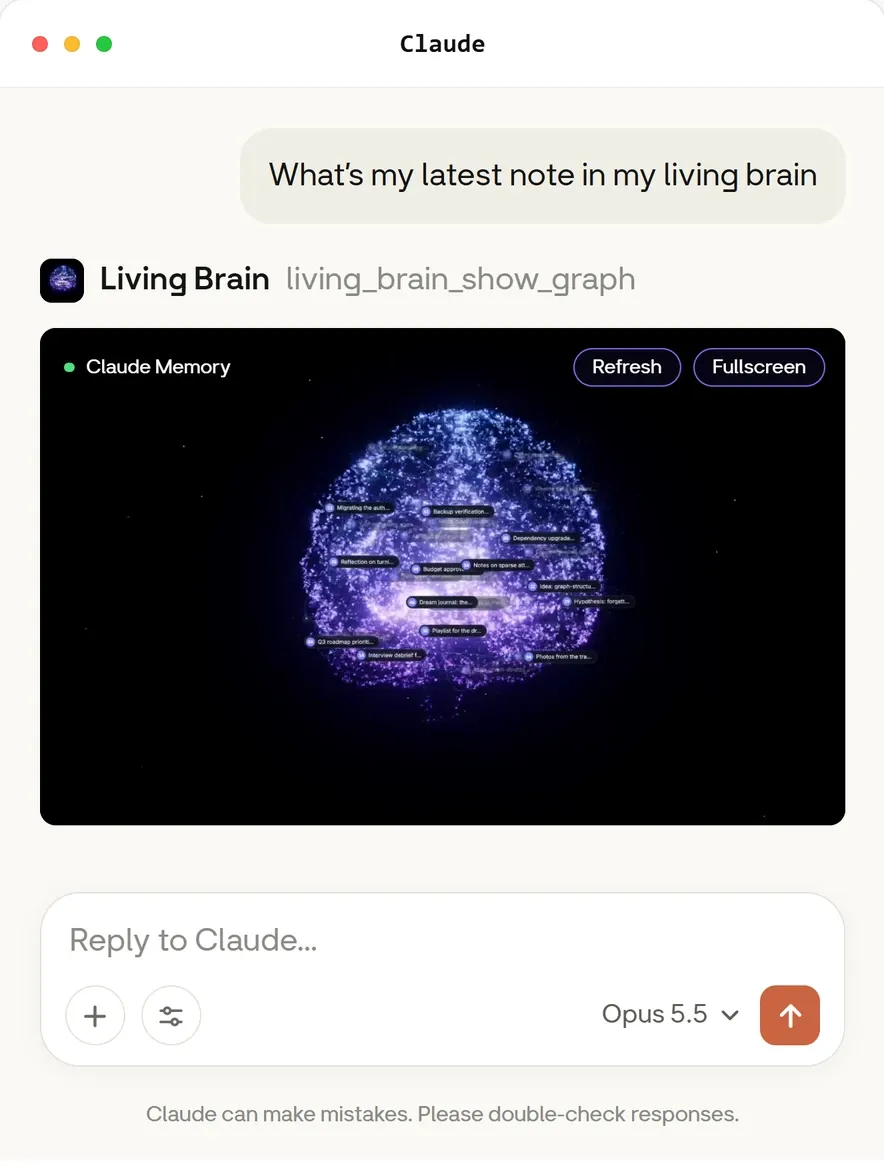
Open the graph inside the chat. living_brain_show_graph draws the brain’s pages and the
connections between them. You can move around it without leaving the conversation.
Claude connects with your account, so there’s no API key to manage. See MCP with sign-in.
Connect your tools
Use the same brain and the same subject in each tool. A different subject means a different set of brains.
Prompts to try
Once a tool is connected, ask for the brain by name.
The last prompt opens the interactive view on hosts that support it. Other tools can return the same pages and connections as text.
What the tools can do
Sign-in hosts get these tools. The API-key server has one tool for each API operation.
Limits to plan for
- New captures take a moment. A capture compiles in the background, so a search straight afterwards
won’t find it. Use
living_brain_capture_statusto check. - Everyone with access reads the same pages. Access is per brain, so keep private material in its own brain.
- Tools decide when to call the brain. Name the brain in your prompt, or add an instruction to the tool’s custom instructions or rules file.
Coding agent memory shows the same setup for a shared code project.